
Stop sharing raw recordings. Start sharing product stories.
Screensky trims the noise, structures the narrative, and adds captions and pacing so your capture reads like a polished walkthrough—ready for your site, deck, or changelog in minutes.
Try for free
No credit card required
How it works
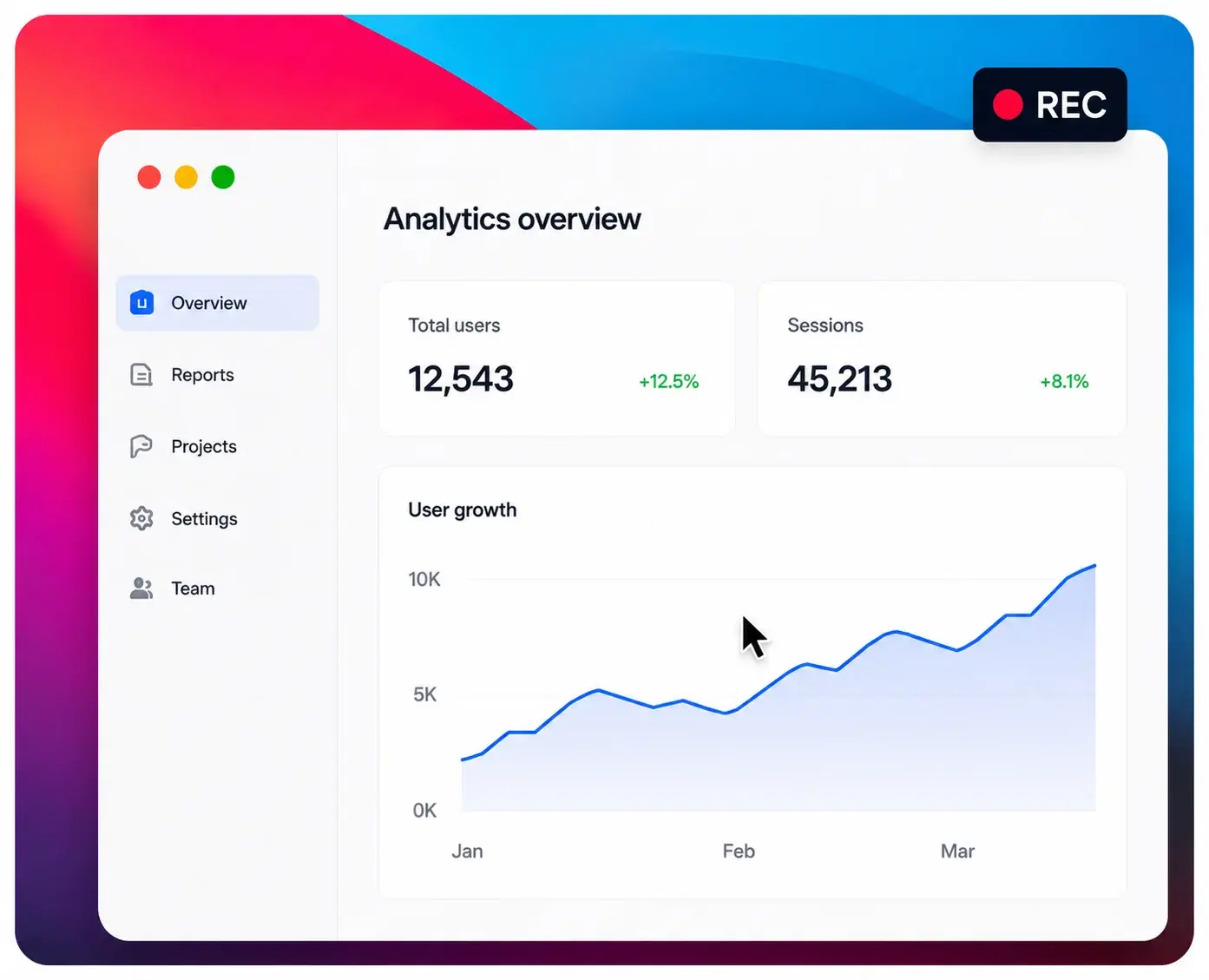 1
1Record your screen or upload a raw capture—messy is fine.
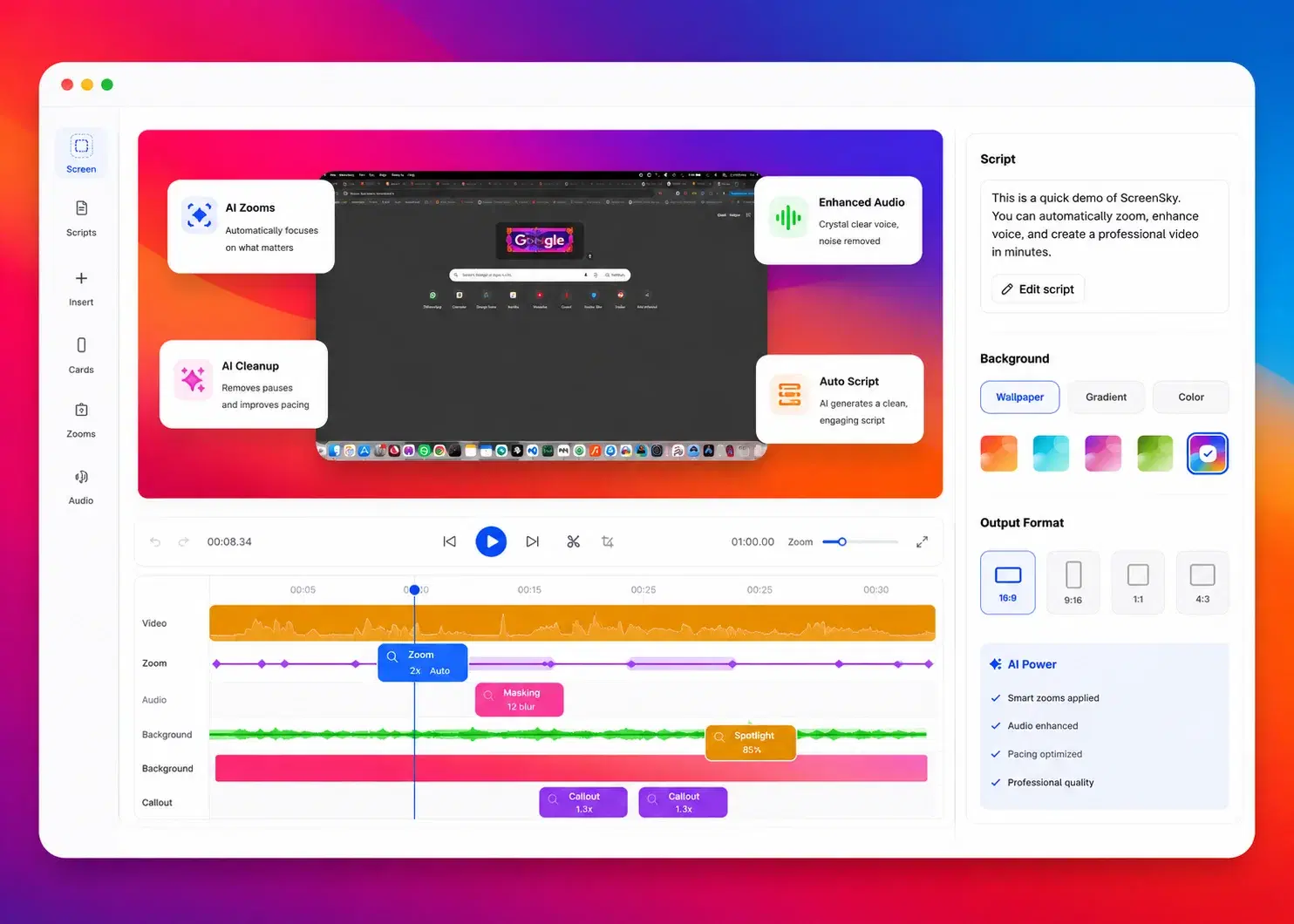 2
2Screensky trims, structures, and polishes into a clear product story.
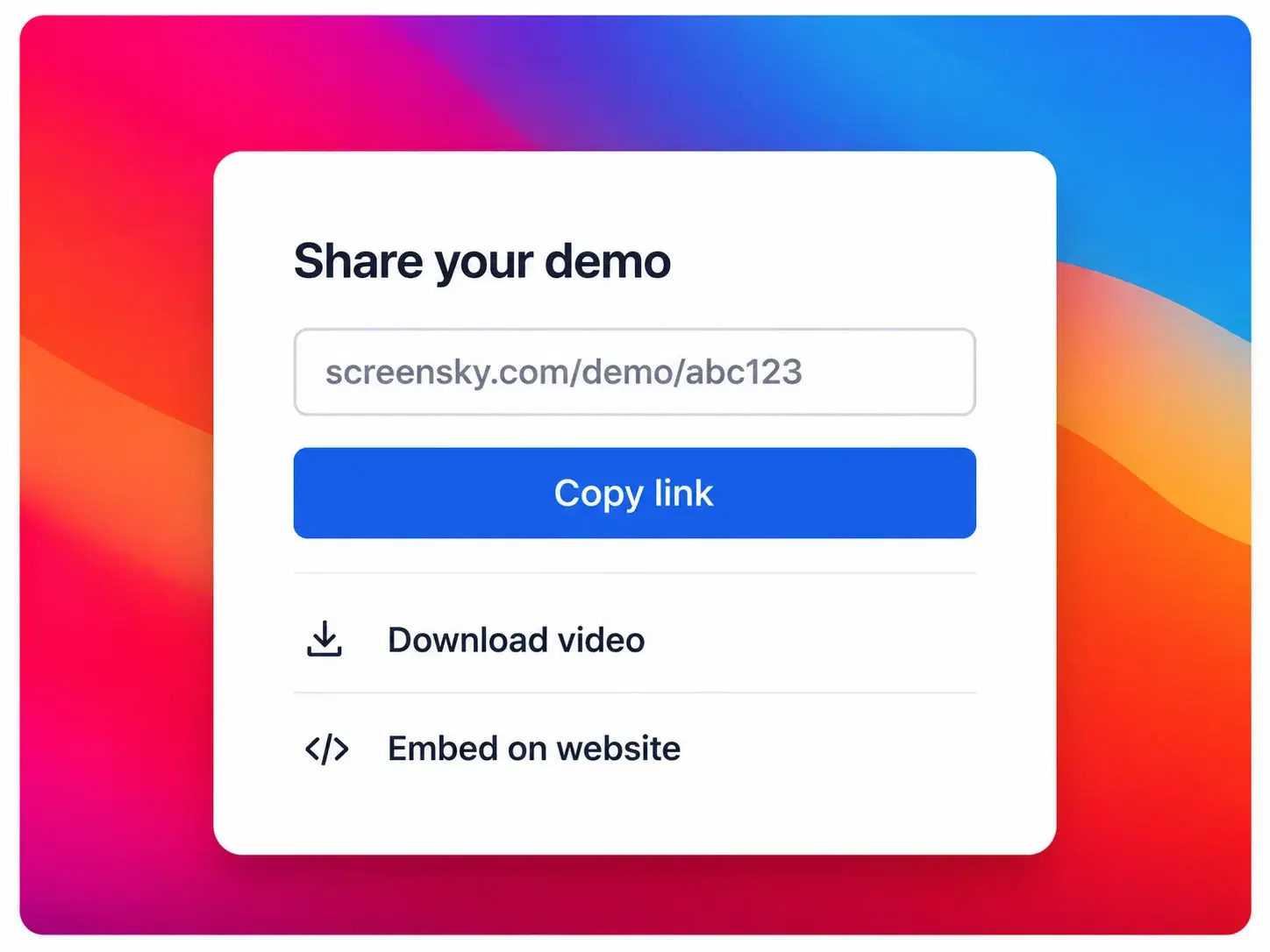 3
3Export a demo you are proud to share—link, file, or embed.